Rafe Needleman/CNET
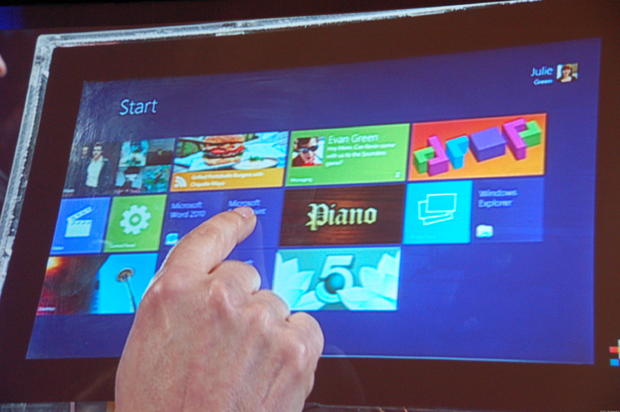
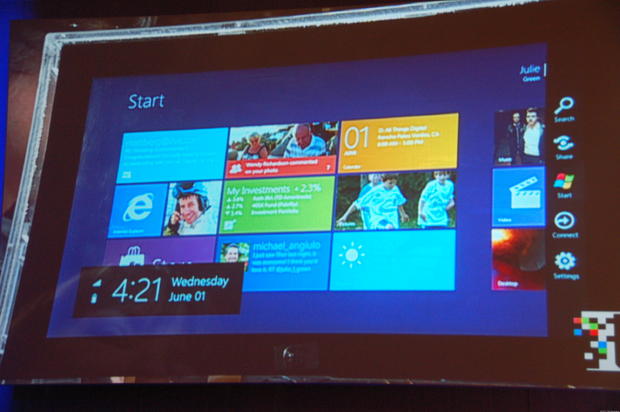
Like Windows Phone, Windows 8 on tablets (and every other platform for that matter) has a screen of "Live Tiles" that provide rich data and launch deeper apps. Users can slide the tiles around on the screen.
Rafe Needleman/CNET
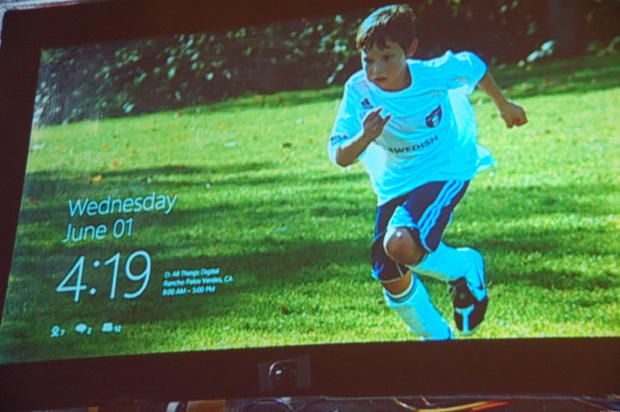
The image on the start screen can be personalized (this is Lawson-Green's son). You swipe up from the bottom to unlock the device.
Rafe Needleman/CNET
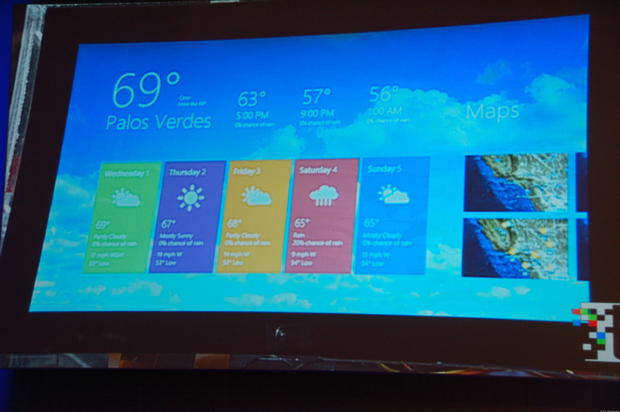
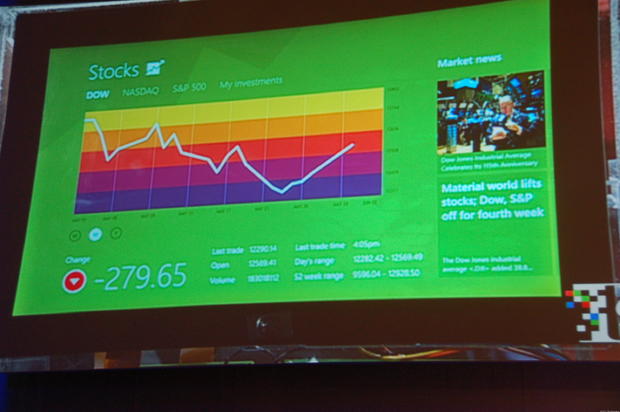
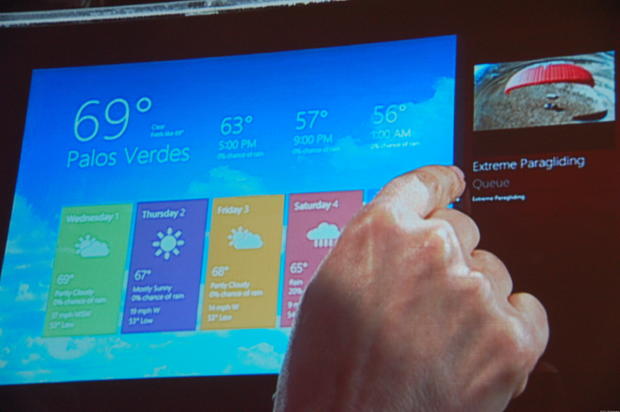
Microsoft brought several sample apps to show off Windows 8. This is the weather app.
Rafe Needleman/CNET
The colors are very old-Apple-esque, are they not?
Rafe Needleman/CNET
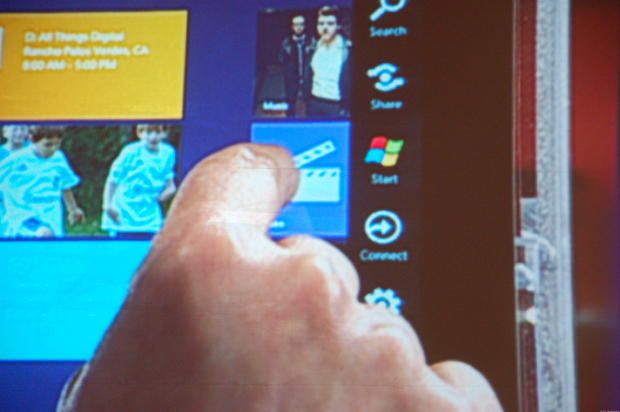
On a tablet device, the "task bar" for users is on the right side of the screen. It slides out as needed.
Rafe Needleman/CNET
The Windows 8 task bar performs system functions, like connecting to networks. It's also where the good old Windows Start menu lives.
Rafe Needleman/CNET
Windows 8 lets users slide running apps to run side-by-side.
Rafe Needleman/CNET
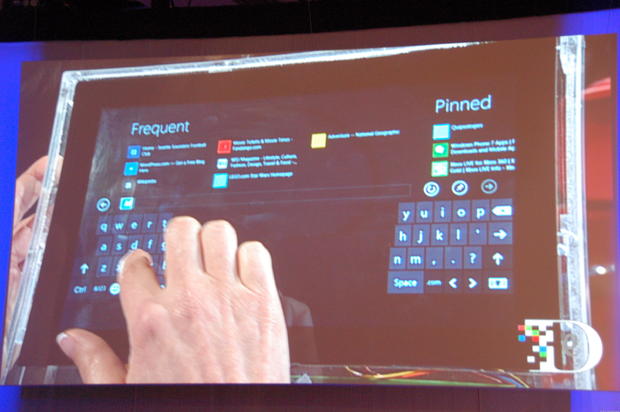
In addition to the standard on-screen keyboard that takes up the bottom of a tablet computer, users can also switch to a split keyboard, which is easier for thumb-typers to use.
Rafe Needleman/CNET
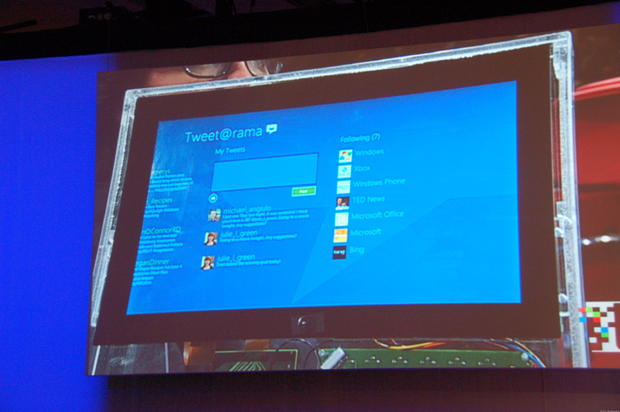
Another sample app: Microsoft's Tweet-o-rama.
Rafe Needleman/CNET
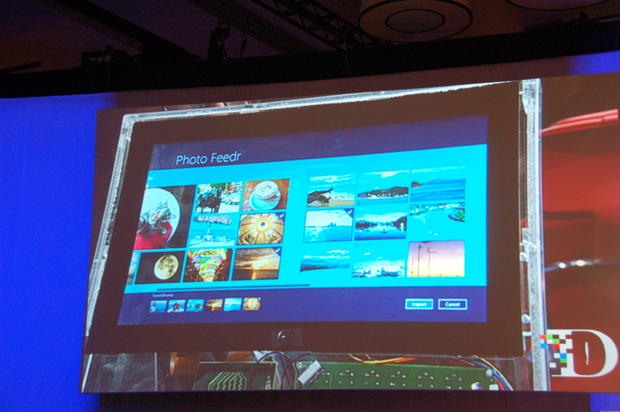
This sample app for viewing photos looks much like Windows 8's tablet file browser app.
Rafe Needleman/CNET
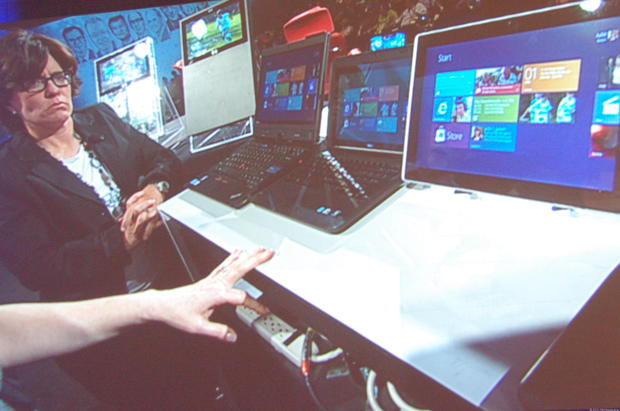
Kara Swisher checks out Windows 8 running on notebook and convertible computers from Lenovo and Dell.
Rafe Needleman/CNET
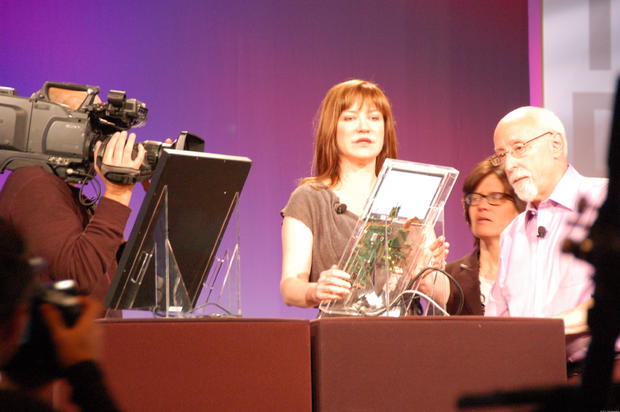
Using special test rigs, Julie Lawson-Green prepares to show off Windows 8 on tablets.
Rafe Needleman/CNET
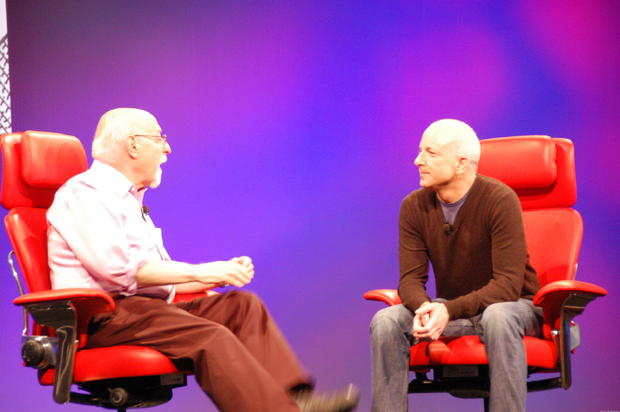
Steven Sinofsky, president of Windows and Windows Live for Microsoft, talks with D9 conference organizer Walt Mossberg about Windows in general.
Rafe Needleman/CNET
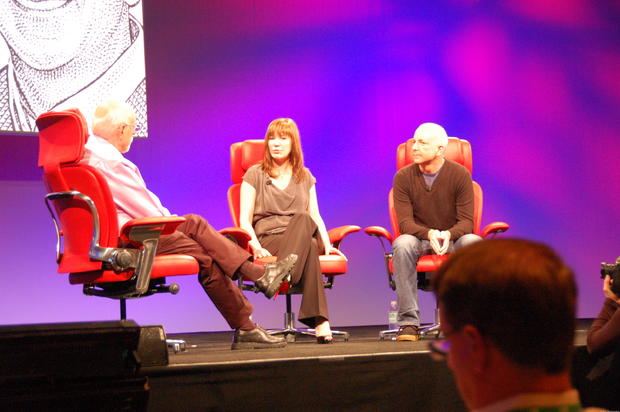
Mossberg, Larson-Green, and Sinofsky discuss the new operating system.