Josh Miller/CNET
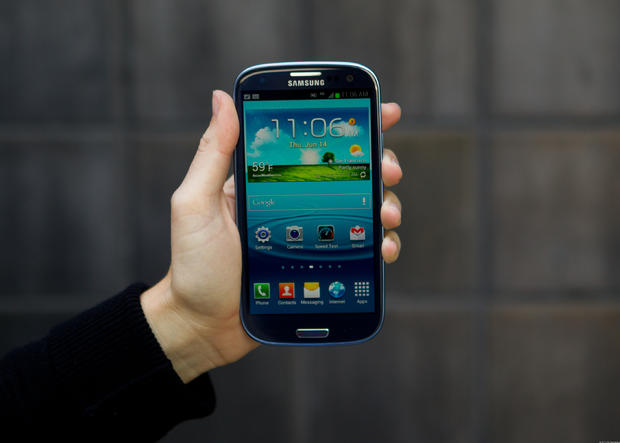
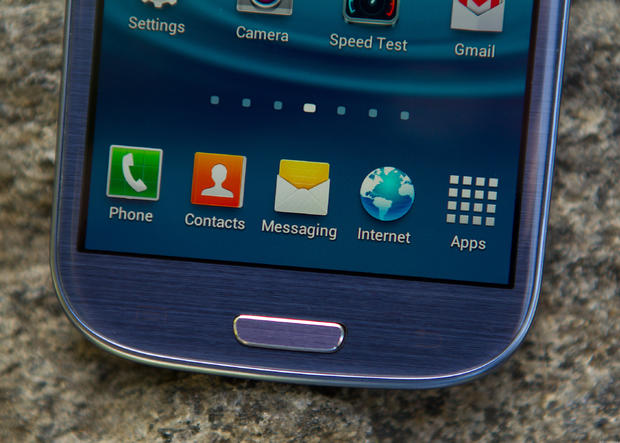
This week, Samsung's Galaxy S III phone will go on sale in the U.S. The Galaxy line has emerged as a leading competitor to Apple's iPhone. Available in pebble blue (pictured here) or marble white, the design is dominated by the 4.8-inch HD Super AMOLED screen (1,280 x720 pixels).
On the whole the display is pretty, but it's dimmer than we'd like and too reflective. There are seven home screens that you can customize with app icons, folders and widgets.
Josh Miller/CNET
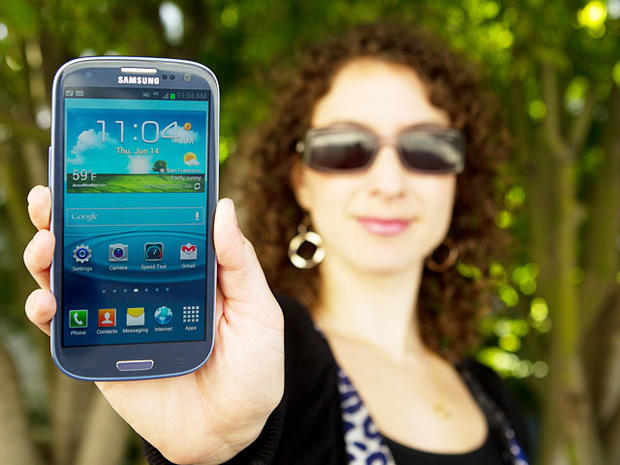
Though razor-thin, the Galaxy S III fits comfortably in your hand without being too slippery. It certainly looks premium and it feels better the longer you hold it. You'll notice the plastic skin, but the handset has a more solid build than previous Galaxy phones.
Josh Miller/CNET
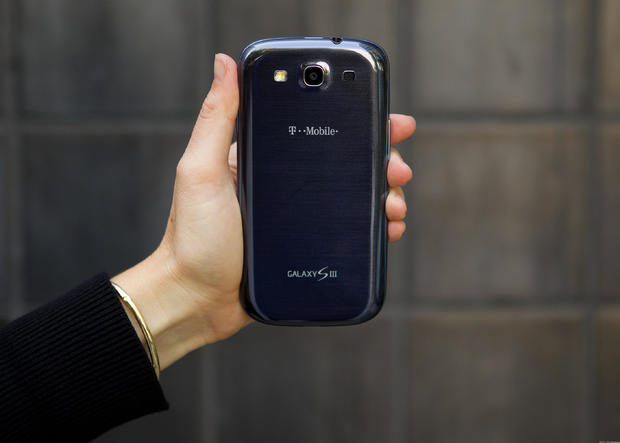
The brushed skin of the battery cover is eye-catching even if it's a bit too glossy. It's also made of plastic, but the trade-off is that it's extremely easy to remove.
Josh Miller/CNET
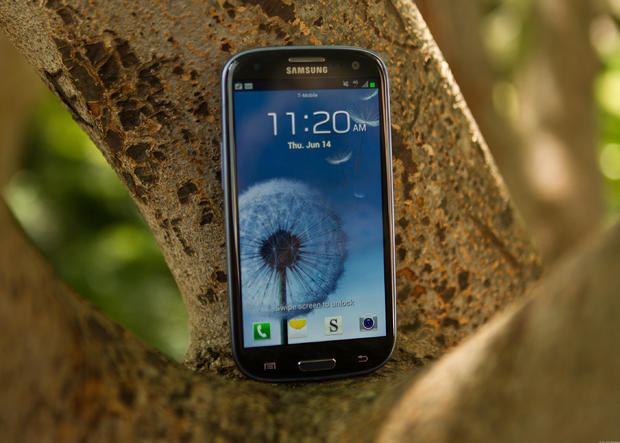
You can choose a vibrant wallpaper for the handset's lock screen. Below are a physical home button and two soft keys for moving backward through menus and accessing the pop-up menu. Above the display on the right side is the 1.9-megapixel front-facing camera.
Josh Miller/CNET
When the backlighting is off the soft keys disappear. There's a permanent icon tray on the bottom of the display. There you can access the phone dialer, your contacts list, the messaging app, the Web browser and the main menu.
Josh Miller/CNET
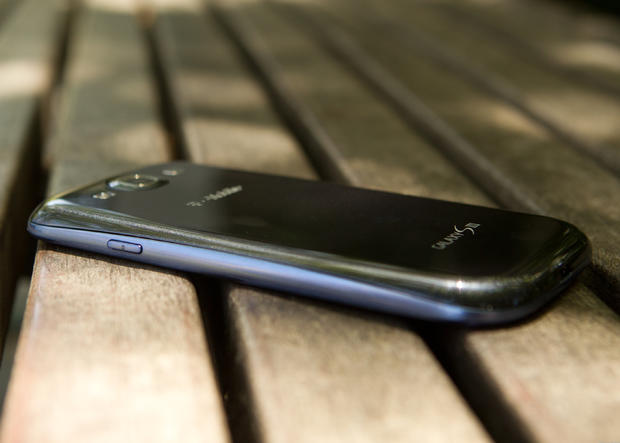
At 0.34 inch, the Galaxy S III is one of the thinnest handsets around. A camera shutter on the right side is one of the few physical controls.
Josh Miller/CNET
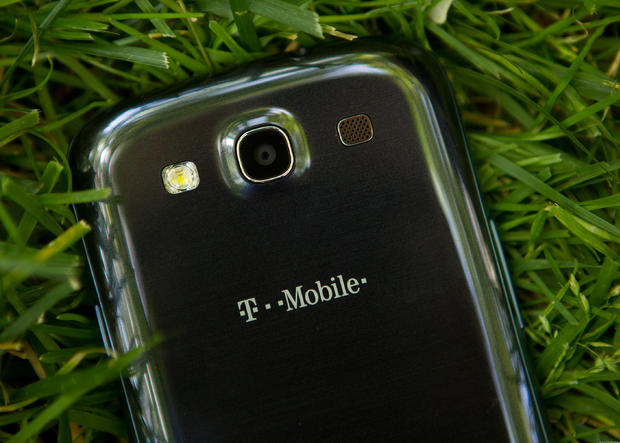
Here you can see just how reflective the back cover is. On either side of the 8-megapixel camera are a flash and a small speaker.
Josh Miller/CNET
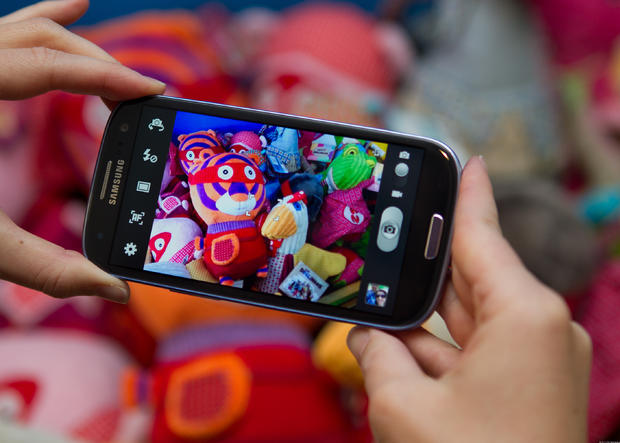
Fortunately, the camera view finder makes full use of the display. Samsung took the chance to put more photo-editing controls right at your fingertips.
Josh Miller/CNET
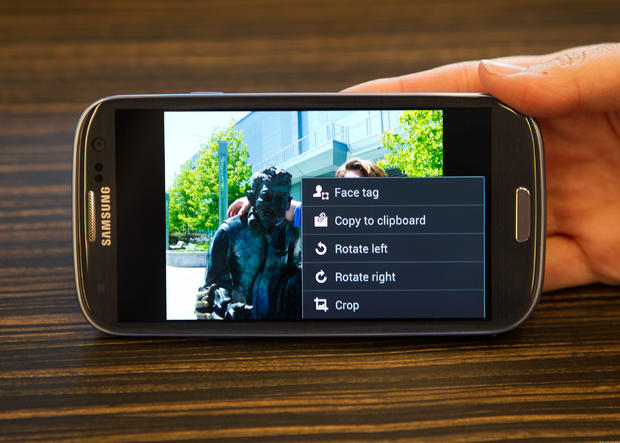
Once you've taken a photo, you can tag your friends, copy it to a clipboard and access basic editing functions.
Josh Miller/CNET
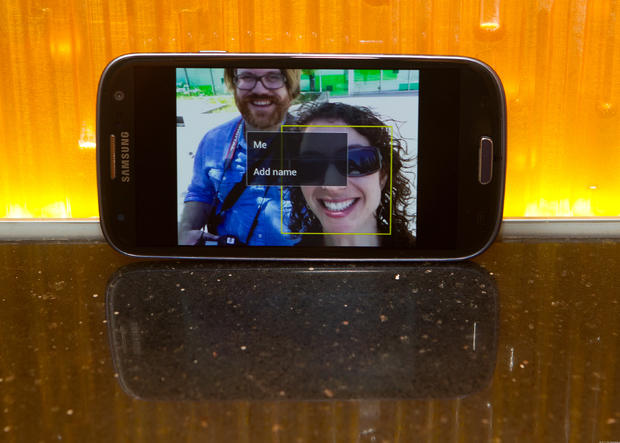
When tagging a face, a yellow box appears around the subject. You then can choose yourself or add another name.
Josh Miller/CNET
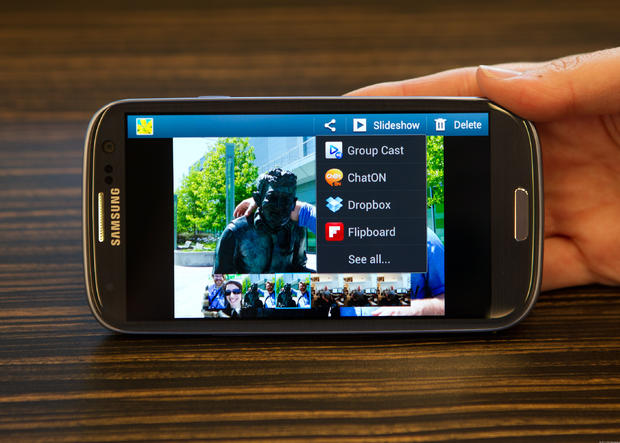
With the Galaxy S III's Group Cast feature you can share a presentation, which can consist of photos, PDFs, or PowerPoint files with a group of friends. The presentation is accessible by a secure PIN and each participant can control how it is viewed. After taking photos, you also can add them directly to Flipboard or Dropbox.
Josh Miller/CNET
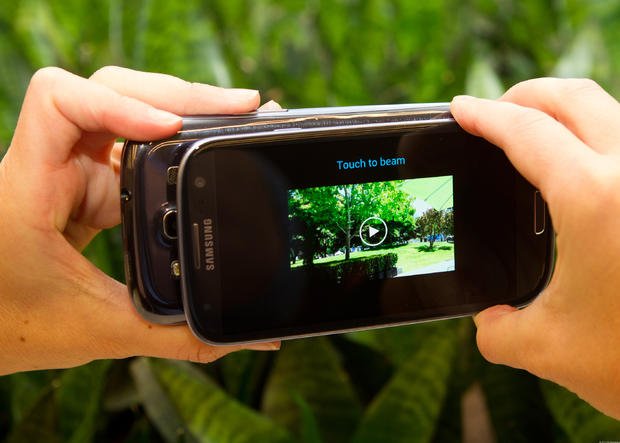
Samsung's S Beam is a refined version of Android Beam that lets you share larger files like videos. You establish the connection via NFC and then share content through Wi-Fi Direct.
Josh Miller/CNET
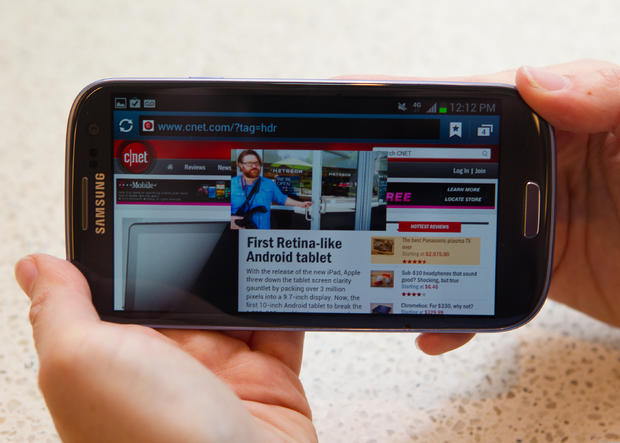
One of the handset's more interesting features is the Pop Up Player. As you watch a video you can access other features like the Web browser or e-mail. You even can move the video player around the display as needed.
Josh Miller/CNET
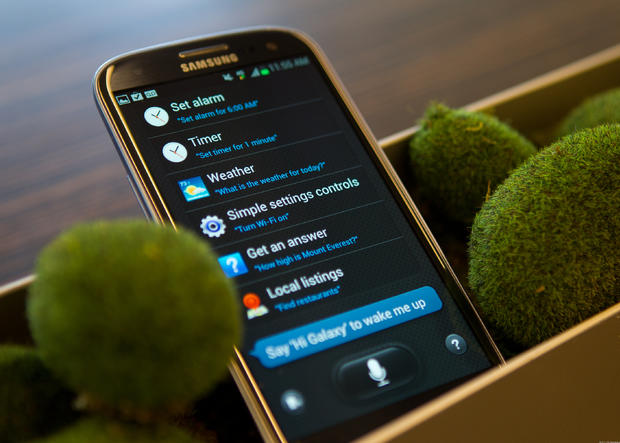
Samsung's S Voice does more than just follow your voice commands, it also surfaces information, searches the Web, and controls select apps. In our testing, though, it didn't work as well as we had hoped.
Josh Miller/CNET
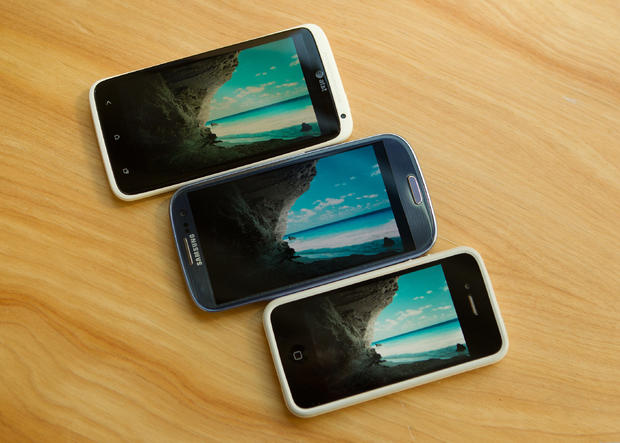
When compared with the HTC One X (top) and the iPhone 4S (bottom), the Galaxy S III's display is dimmer and its color accuracy wasn't as sharp.
Josh Miller/CNET
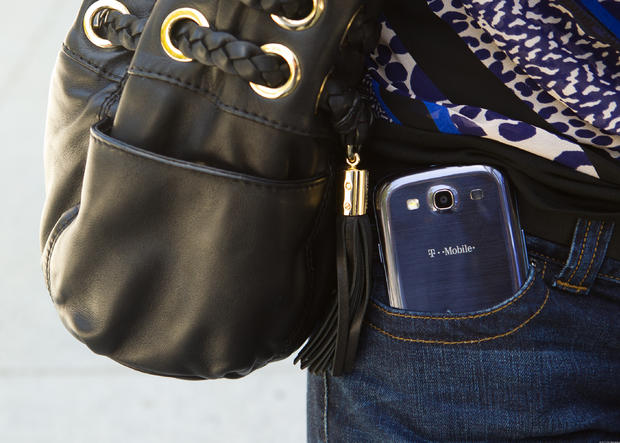
The Galaxy S III will fit in a pocket, but its large size makes for a tight fit.